
Your business, turned into on-brand marketing visuals
Upload a product or storefront photo, or paste your website URL. Create product shots, posters, social ads, and banners for your business.
Promote a local business
Turn storefront, food, service, or event photos into posters, menus, flyers, and social promotions.
Make a poster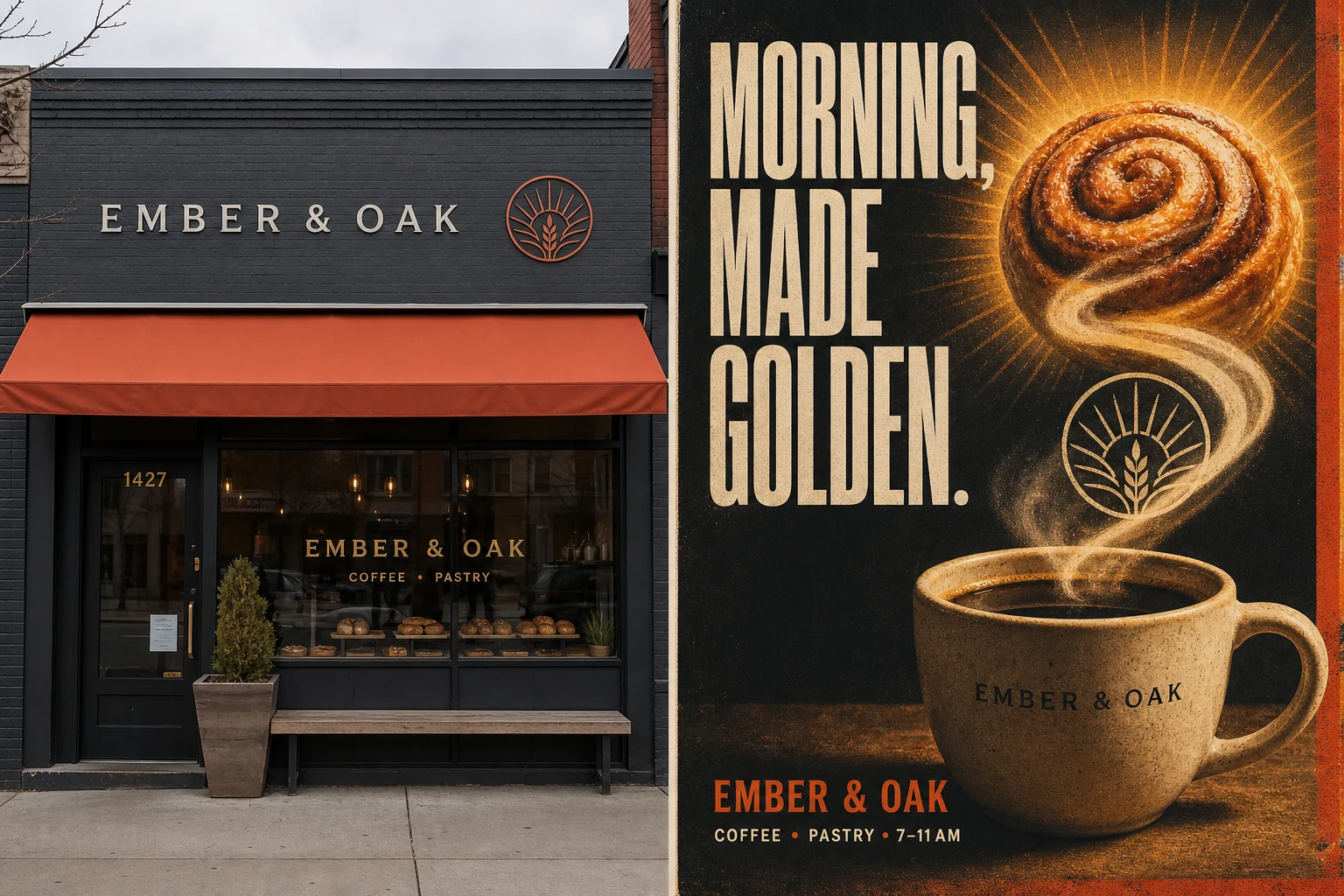
Sell a product online
Create cleaner product shots, lifestyle scenes, ad creatives, and marketplace-ready images.
Create product photosPromote a website
Use your URL and brand context to create ads, social graphics, and campaign banners.
Create brand adsOne business input. Every visual you need next.
Reads your brand first
Add a website URL, product photo, or storefront image. Akay uses that real context to guide the colors, tone, subject, and composition.
Built around the job at hand
Choose a local business, ecommerce, or website workflow instead of starting from an empty prompt and guessing what to ask for.
Generate & Download
Generate and download on-brand visuals for your campaigns. Keep everything consistent and on-brand.
One business input. Every visual you need next.
Akay keeps your product, shop, and brand context close to the work, so each new photo, poster, ad, or banner starts with something real.
Start from something real
Use a product photo, storefront image, website URL, or saved brand instead of rebuilding context in every prompt.
A path for each business job
Open a focused workflow for store promotions, ecommerce product imagery, or website campaigns.
Cross-Channel Assets
Move from a strong source visual to posters, social ads, banners, and other common campaign formats.
Generate & Download
Quickly download and export Akay assets in common formats - keep everything on-brand.
5x Faster on Paid Plans
Free users share the generation queue. Upgrade for priority processing so images arrive up to 5x faster.
Watermark-Free HD Downloads
Free results include a watermark and cannot be downloaded. Credits or a subscription unlock clean, high-resolution downloads.
How Akay Works
Pick the job you need done, bring the business material you already have, and make a useful first visual before setting up a full workspace.
Choose your business path
Start with a local promotion, an ecommerce product, or a website campaign. Each path takes you to a focused tool with a useful default.
Add a real input
Upload a clear product or storefront image, paste a website URL, and describe the result you need. Better source material gives Akay more to work with.
Generate, refine, and reuse
Review the result, adjust the prompt, download the strongest version, then save brand and catalog context when you need repeatable campaigns.
Turn one useful visual into a repeatable campaign system.
Once the first result works, save the brand, product, or service context and reuse it for later ads, social posts, email headers, posters, and banners.
Brand DNA
Keep colors, tone, positioning, audience, and visual rules reusable for every campaign.
Manage brandCatalog
Save products with photos and basic details instead of rebuilding context each time.
Add itemCampaign Brief
Pick a product, describe the goal, choose a format, and let the workspace generate the campaign brief.
Start briefCreative Assets
Review generated visuals, continue editing, download results, and reuse your campaign history.
View assetsBuilt around the workflows marketers already expect.
The workspace brings together the core patterns from leading AI marketing tools while keeping the self-hostable, API-first Akay foundation.
Frequently Asked Questions
How Akay turns products, storefronts, and websites into useful marketing visuals, including what it does well and where it has limits.
Start with what your business already has.
Bring a product photo, a storefront image, or your website. Akay helps you turn it into the next visual your business needs.